This feature will prevent unauthorized access to the MFP Settings when User Authentication is not enabled.
- Navigate to System Settings > Security Settings > Password Change
- Check the box for “Restrict Device Web Page Access Via Password
- If you don’t want the machine to use the default password, check the box to change the user password and change the password (keep in a safe place)
- When users navigate to the MFP Web Page, they will always be required to provide a password (Admin or User) to gain access.
Alternately if you check ONLY the box “Protect Settings by Password” anyone can see the Machine Identification Page but all other access with require a password.

Why would you restrict the web page?
Users can access and change settings that will have a negative effect on the functionality of the machine. If the user finds their way to the SMTP settings, for example, and changes them this could break the scan to email feature. If the user finds the Home Screen settings and changes the buttons, it could change the entire workflow customization of the touch screen interface. Keep your settings locked in by requiring a password for the web interface.
Nationwide Sales and Service
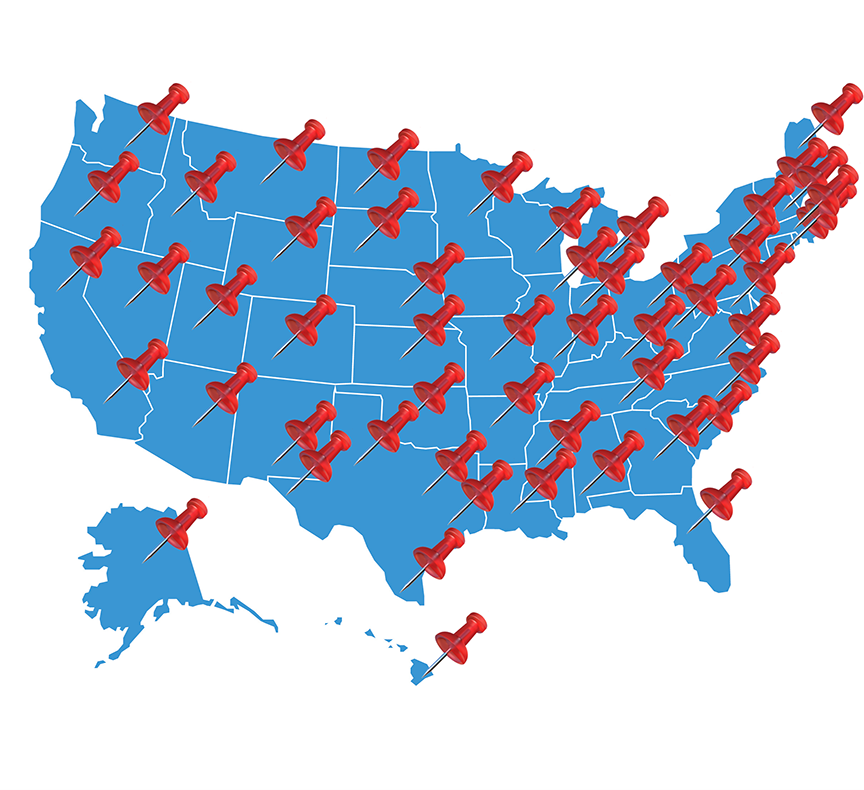
Platinum Copier Solutions is the premier Sharp copier dealer in Texas, but we can cover your office equipment needs nationwide! We work with a network of certified Sharp providers around the country to provide coverage to all 50 states. Your business has one company to contact for all sales, service and supply requests.
Perks of using one vendor company-wide:
- Consolidated billing
- Live voice answering for service dispatch and supply orders nationwide
- Uniform fleet with matching interfaces and supplies
- Standardized “clone” file so all of your equipment has identical settings (security, network settings, interface customization)
- Support tools for IT staff to manage entire fleet
- Automated meter reading collection
- Proactive toner shipment (*opt-in)
Let’s get started.